





About the Script
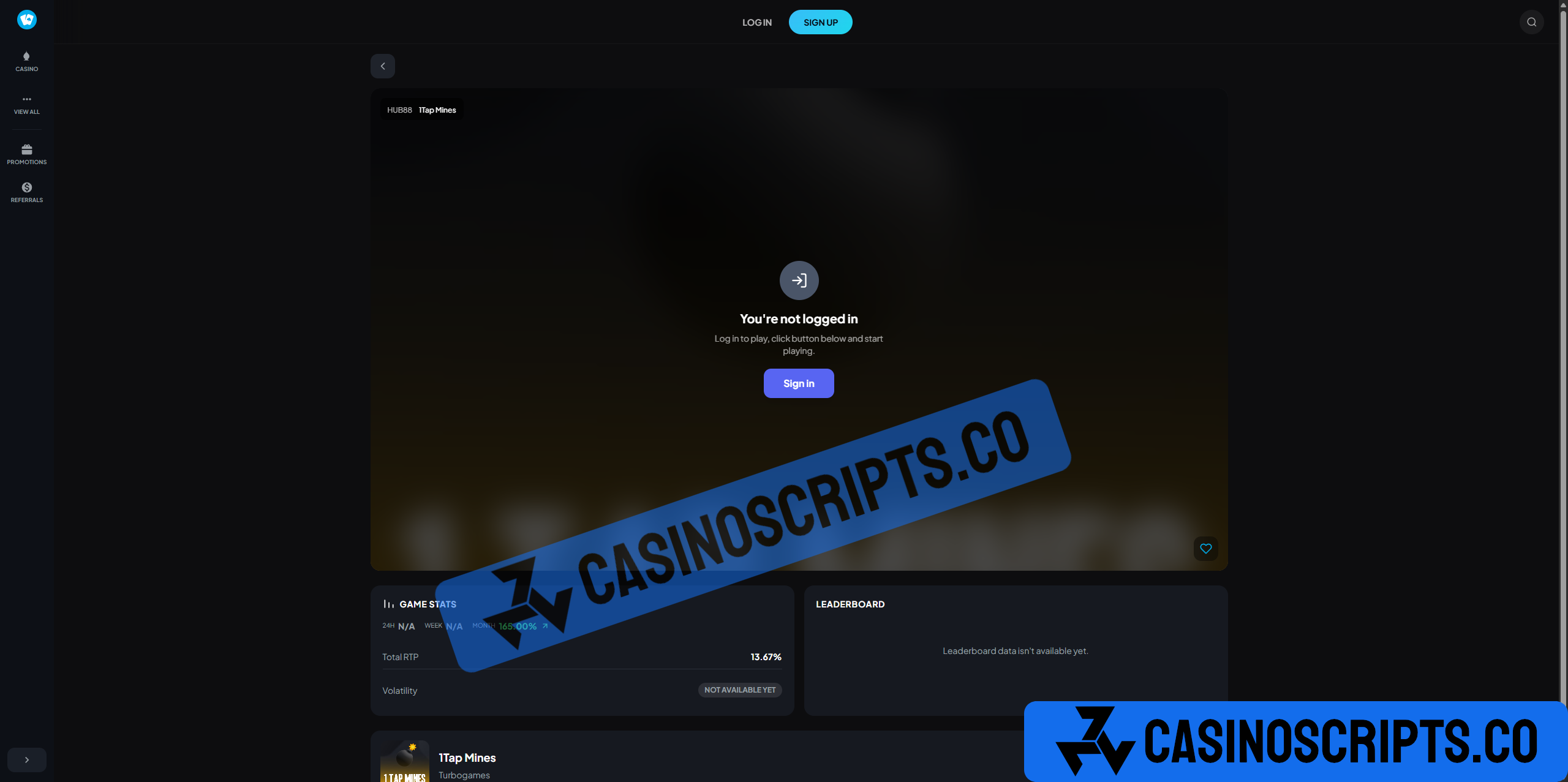
Shuffle is a premium, ready-to-launch casino platform designed for performance, scalability, and a modern user experience. Built with clean architecture and full customization in mind, it provides everything needed to deploy a professional online casino with minimal setup.
Script Video
Admin Panel Video
Installation Video
Features
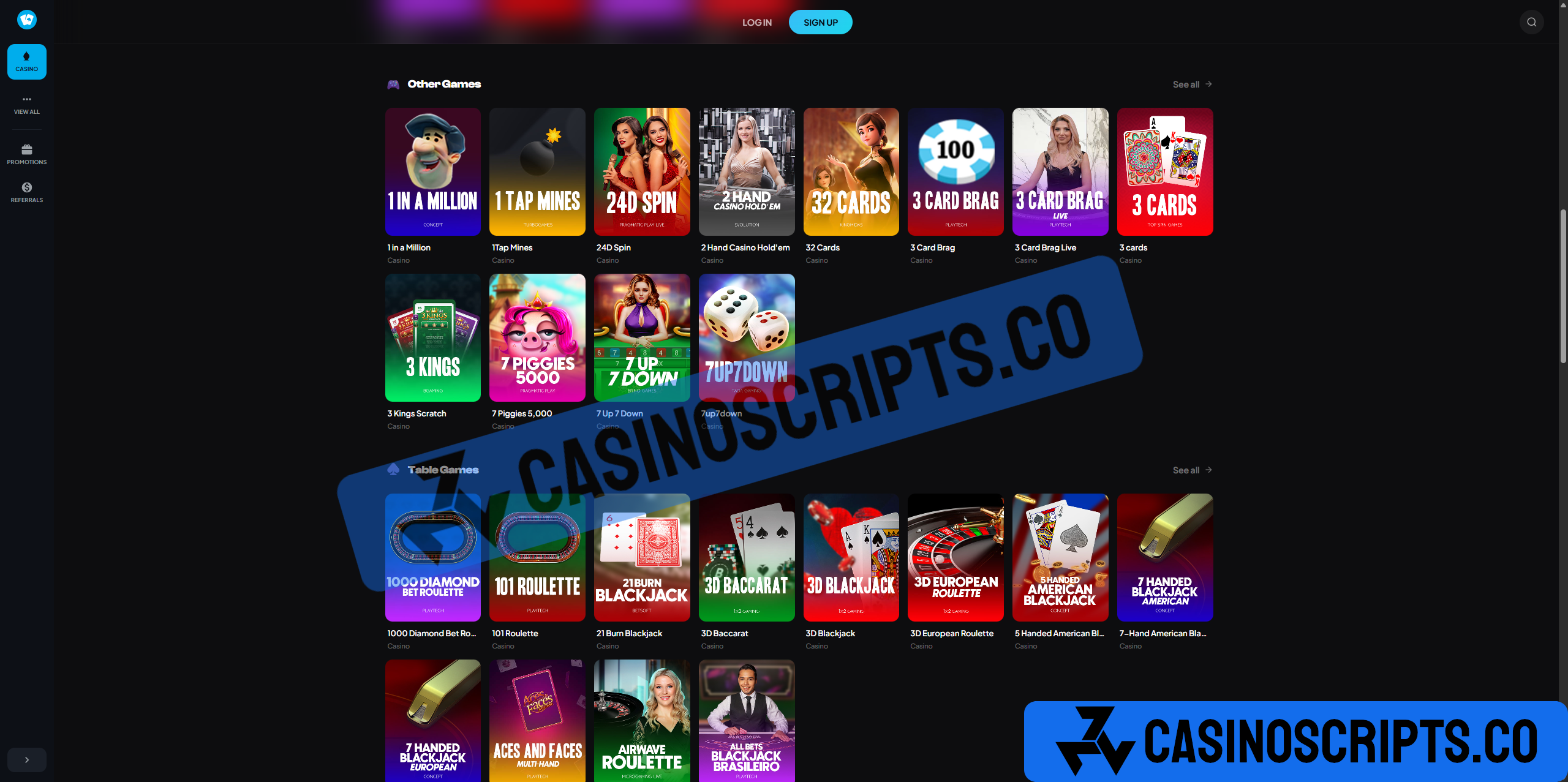
Includes a complete suite of popular in-house games such as
Dice
Mines
Bubbles
Wheel
Plinko
Blackjack
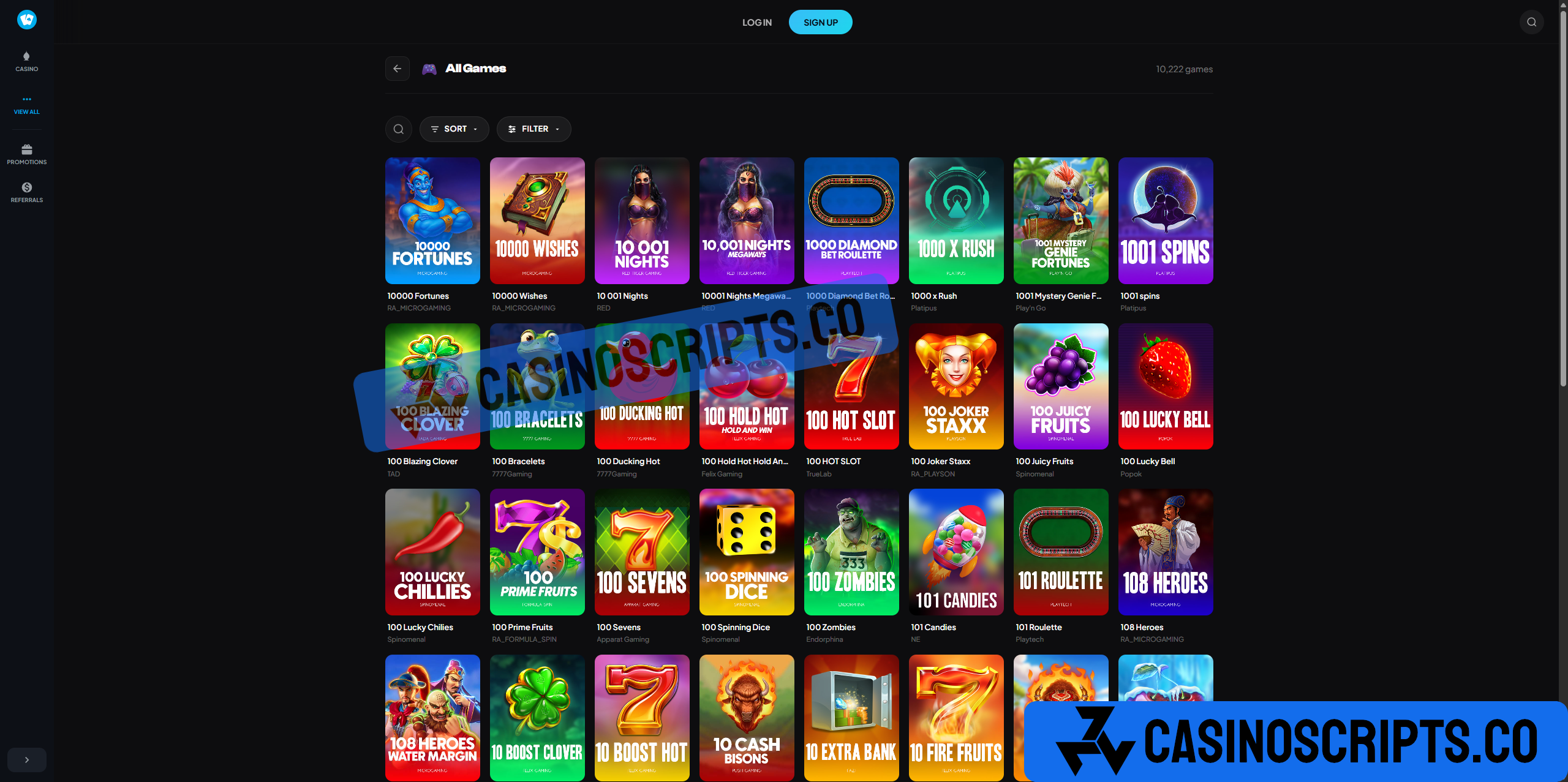
and more. Seamlessly integrates with Slots & Live Games APIs, giving you instant access to a vast library of provider-backed content, including:
Pragmatic Play
Evolution
Hacksaw Gaming
Nolimit City
and 40,000+ more
Additional Features
Referral System: Invite friends and earn rewards from their activity.
Bonuses & Rewards: Regular promotions and incentives to keep players engaged.
Promo Codes: Redeem special codes for extra bonuses.
What's Included
Complete source code (Frontend + Backend)
Database schema and setup scripts
Complete Documentation
Admin dashboard for platform management
User authentication
All Original game fully functional
Slots + Live Games API for Free (NO GGR Share)
Payment gateway
Setup guide + Installer
Multilingual
Requirements
VPS or dedicated server with 4GB+ RAM, Node.js 16+, MongoDB 5+, Redis, SSL certificate. No knowledge required for deployment.
Support
1 years of technical support included, covering installation, configuration, and bug fixes.
You may only provide a review once you have downloaded the file.
There are no reviews to display.