





Skip to content
View in the app

A better way to browse. Learn more.

CasinoScripts.co

A full-screen app on your home screen with push notifications, badges and more.

To install this app on iOS and iPadOS
  1. Tap the Share icon in Safari
  2. Scroll the menu and tap Add to Home Screen.
  3. Tap Add in the top-right corner.
To install this app on Android
  1. Tap the 3-dot menu (⋮) in the top-right corner of the browser.
  2. Tap Add to Home screen or Install app.
  3. Confirm by tapping Install.

Valuba Casino Script 1.0.1

$99

(0 reviews)

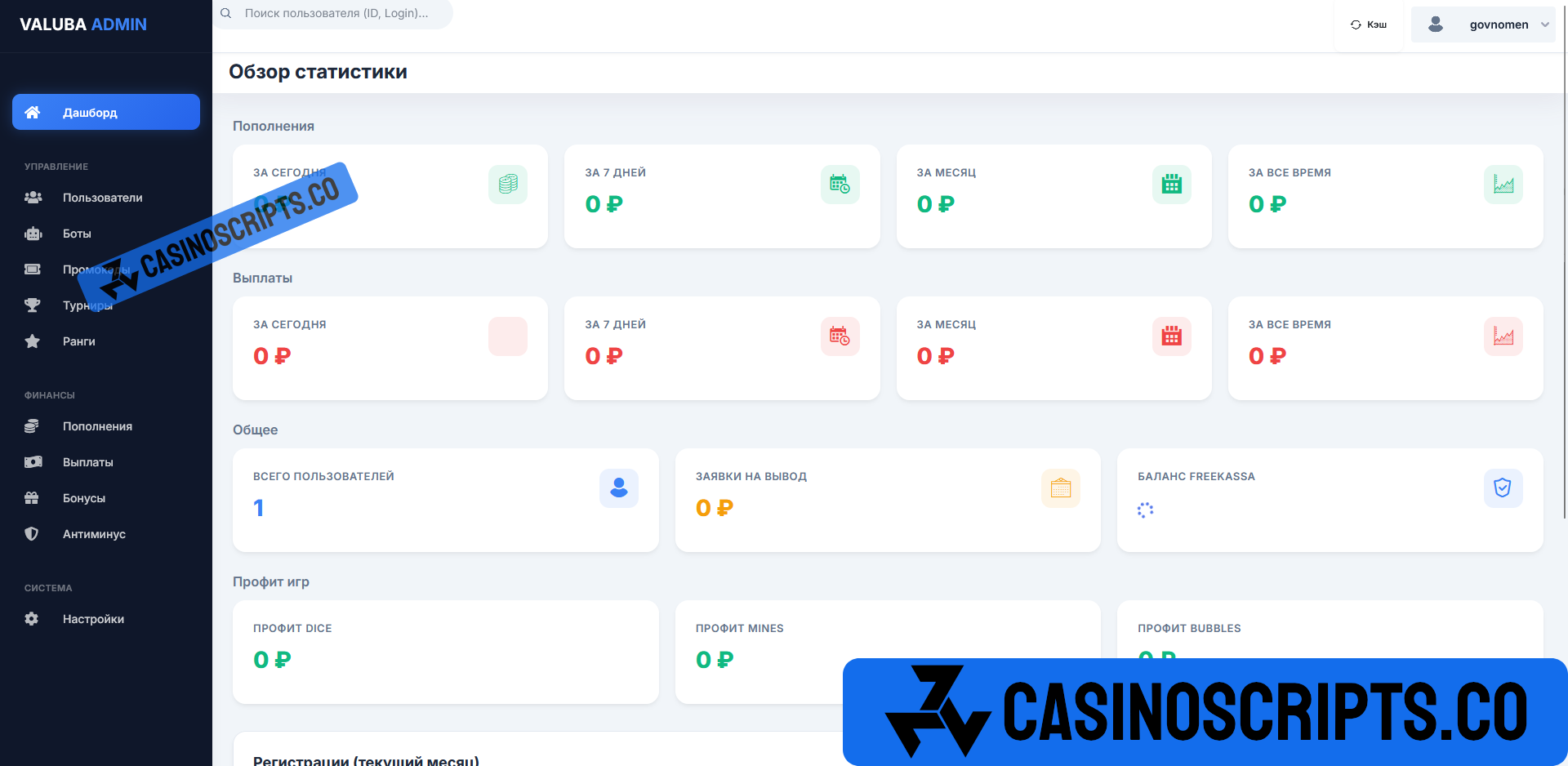
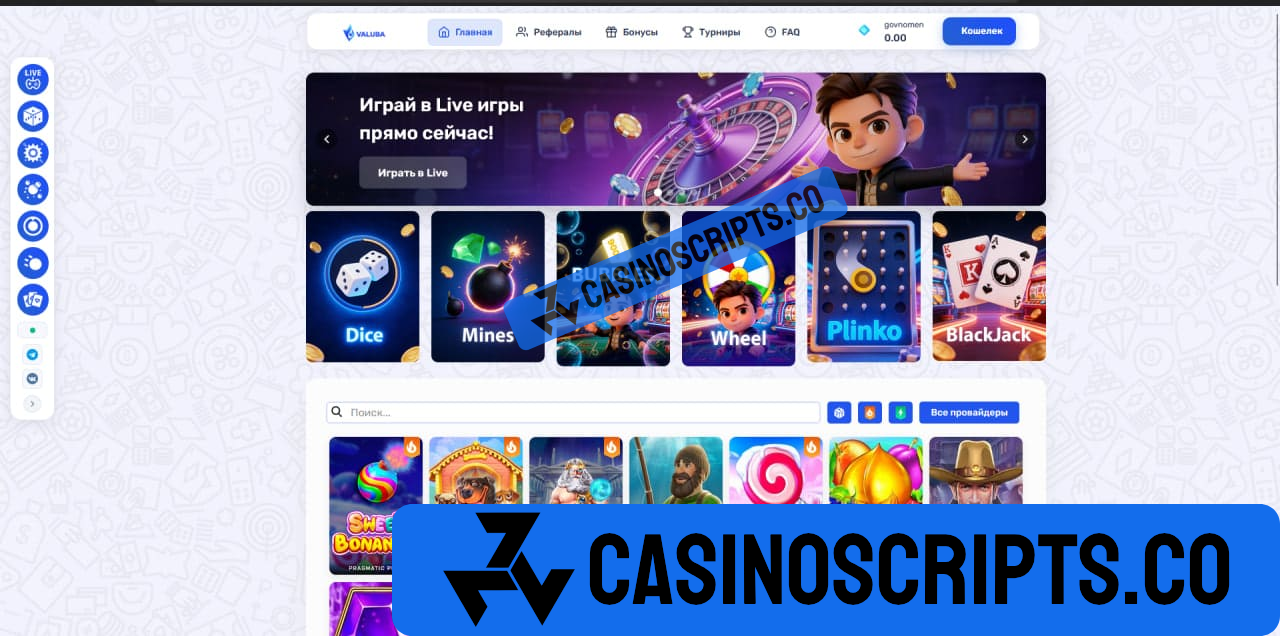
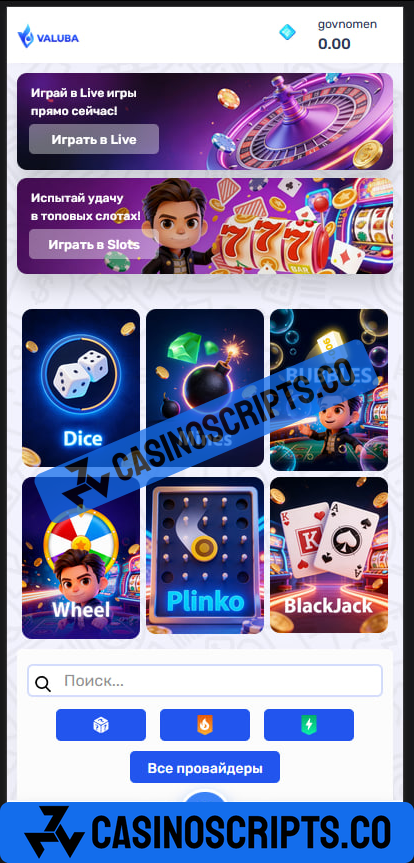
3 Screenshots

About the Script

A ready-made online casino script with a modern, responsive design and clean, maintainable code. Built with Laravel 7 and Vue.js, it offers fast performance, easy setup, and both light and dark themes.

Features
  • Slots integration with major providers (NetEnt, Pragmatic Play, Play’n GO, Red Tiger, Relax Gaming, Amatic, and more)

  • Live roulette (Ezugi, Vivo, TVBET)

  • Mines with adjustable risk and multipliers

  • Dice with customizable win chances

  • Wheel of Fortune

  • Plinko

  • Bubbles game

  • Default language / RU/UA

Design & Compatibility

Fully responsive (mobile, tablet, desktop) with light and dark modes.

Requirements

PHP 7.4+, MySQL 5.7+, Node.js 14+, Composer

Stack

Laravel 7, Vue.js 2, Node.js

What's New in Version 1.0.1

Released

New update

User Feedback

You may only provide a review once you have downloaded the file.

There are no reviews to display.

Account

Navigation

Search

Search

Configure browser push notifications

Chrome (Android)
  1. Tap the lock icon next to the address bar.
  2. Tap Permissions → Notifications.
  3. Adjust your preference.
Chrome (Desktop)
  1. Click the padlock icon in the address bar.
  2. Select Site settings.
  3. Find Notifications and adjust your preference.