





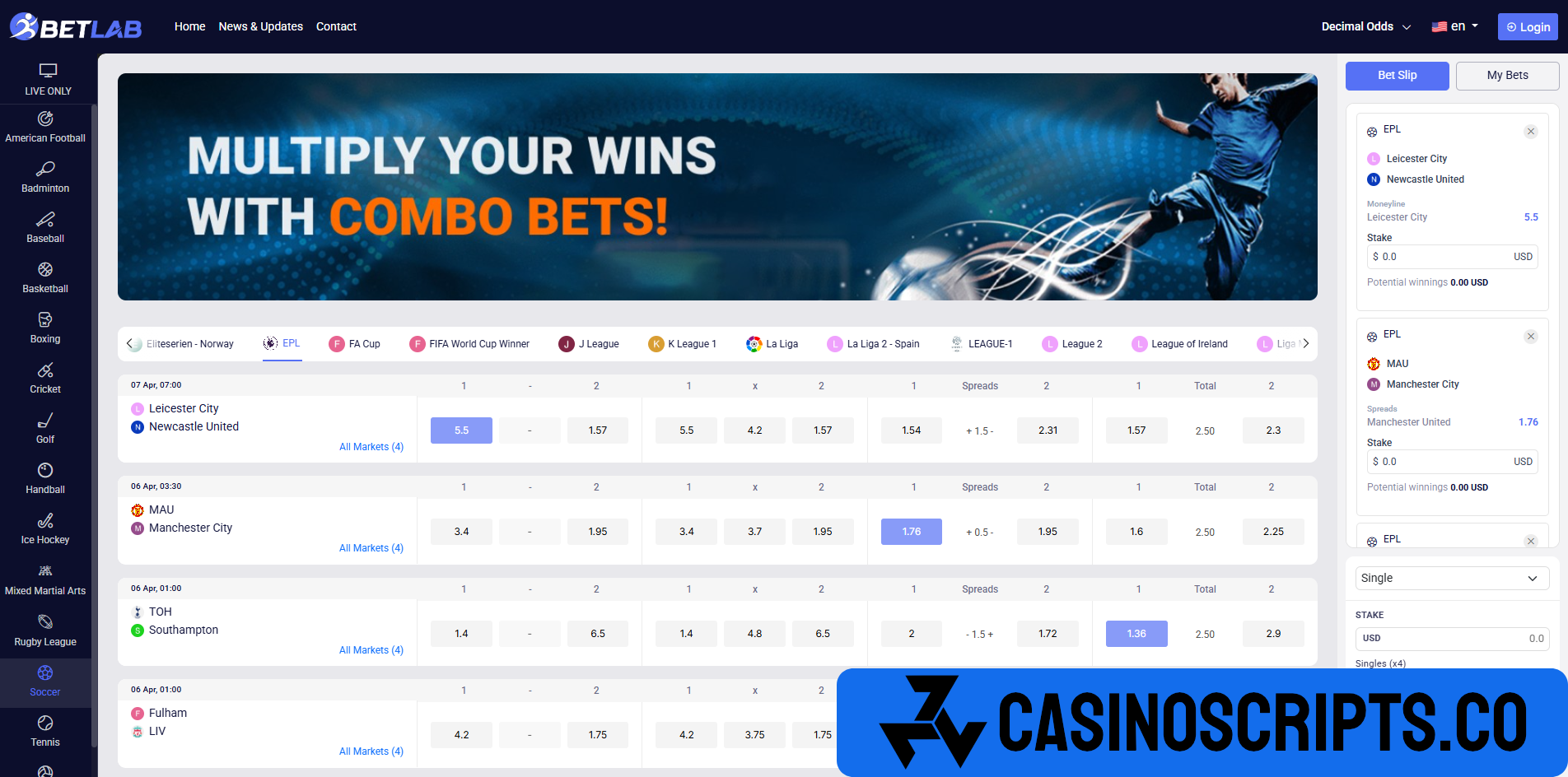
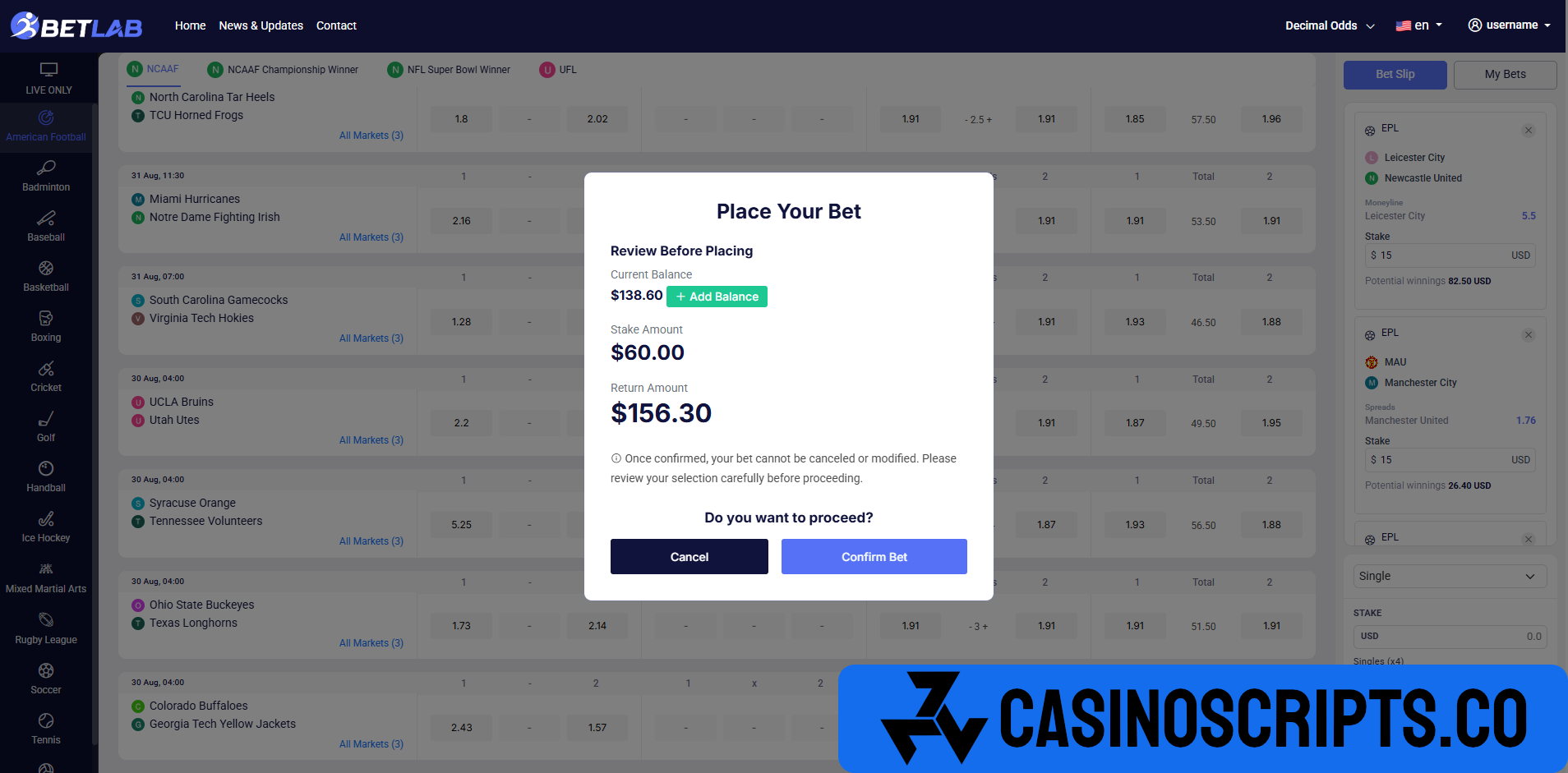

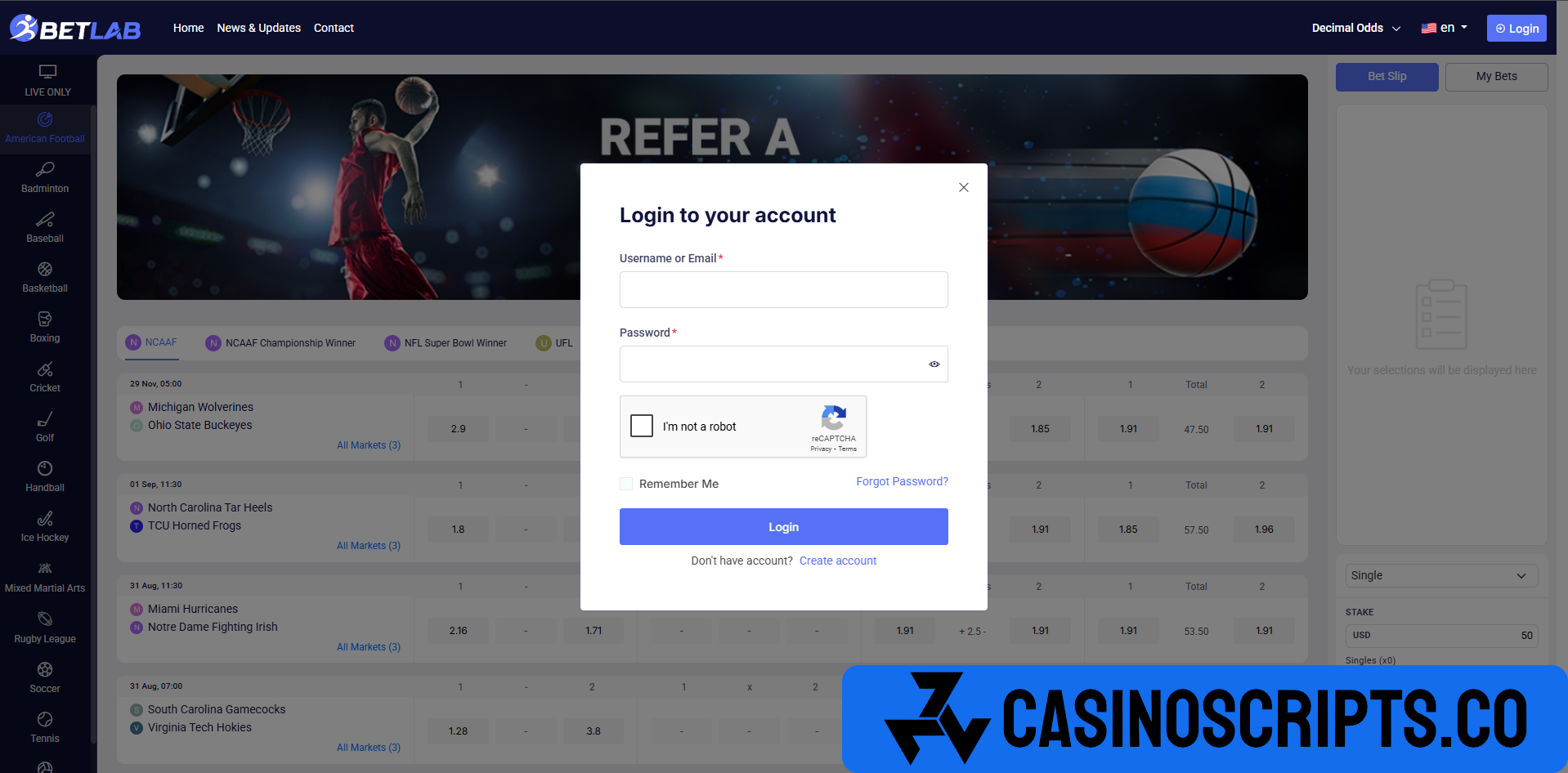
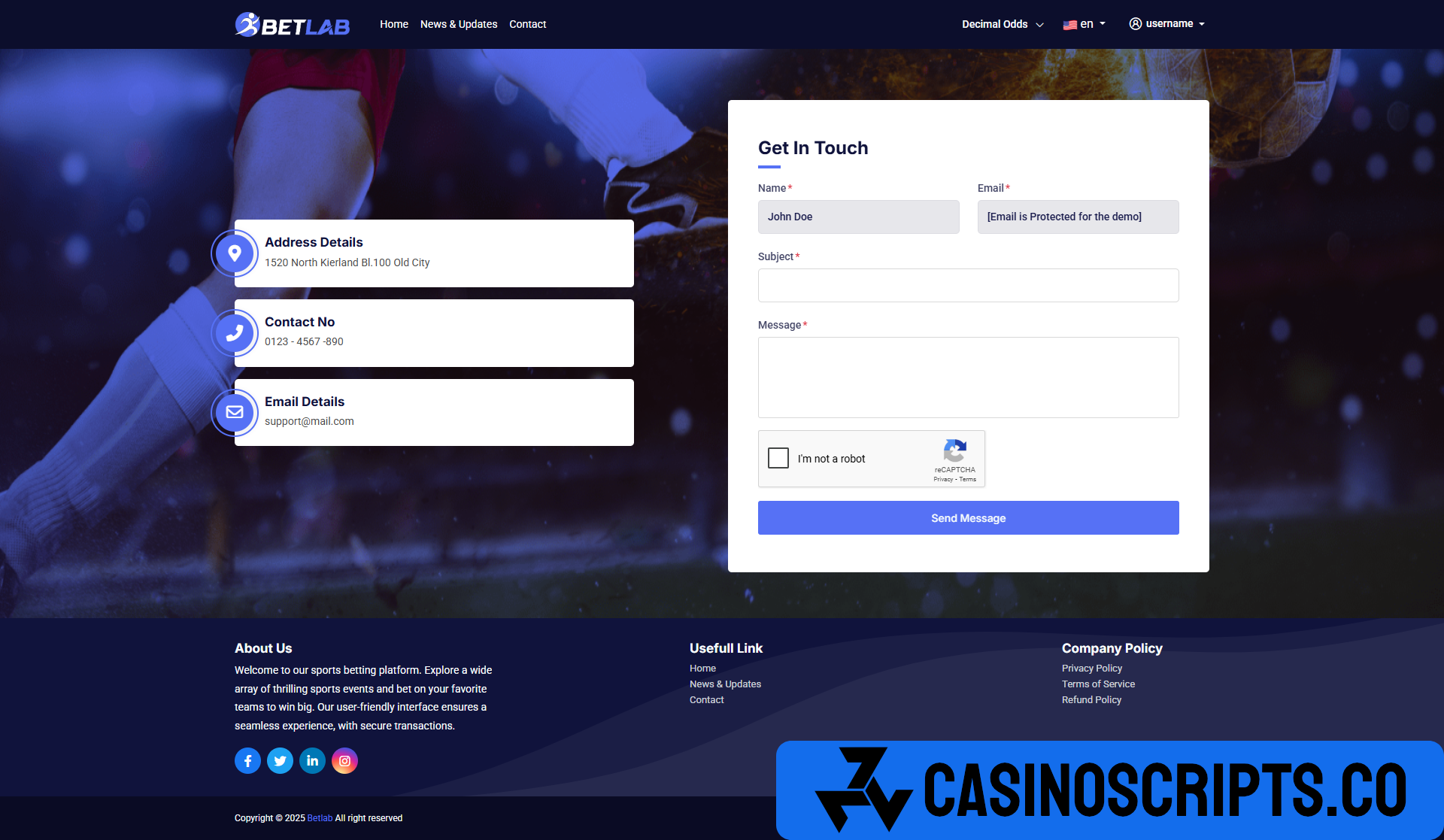


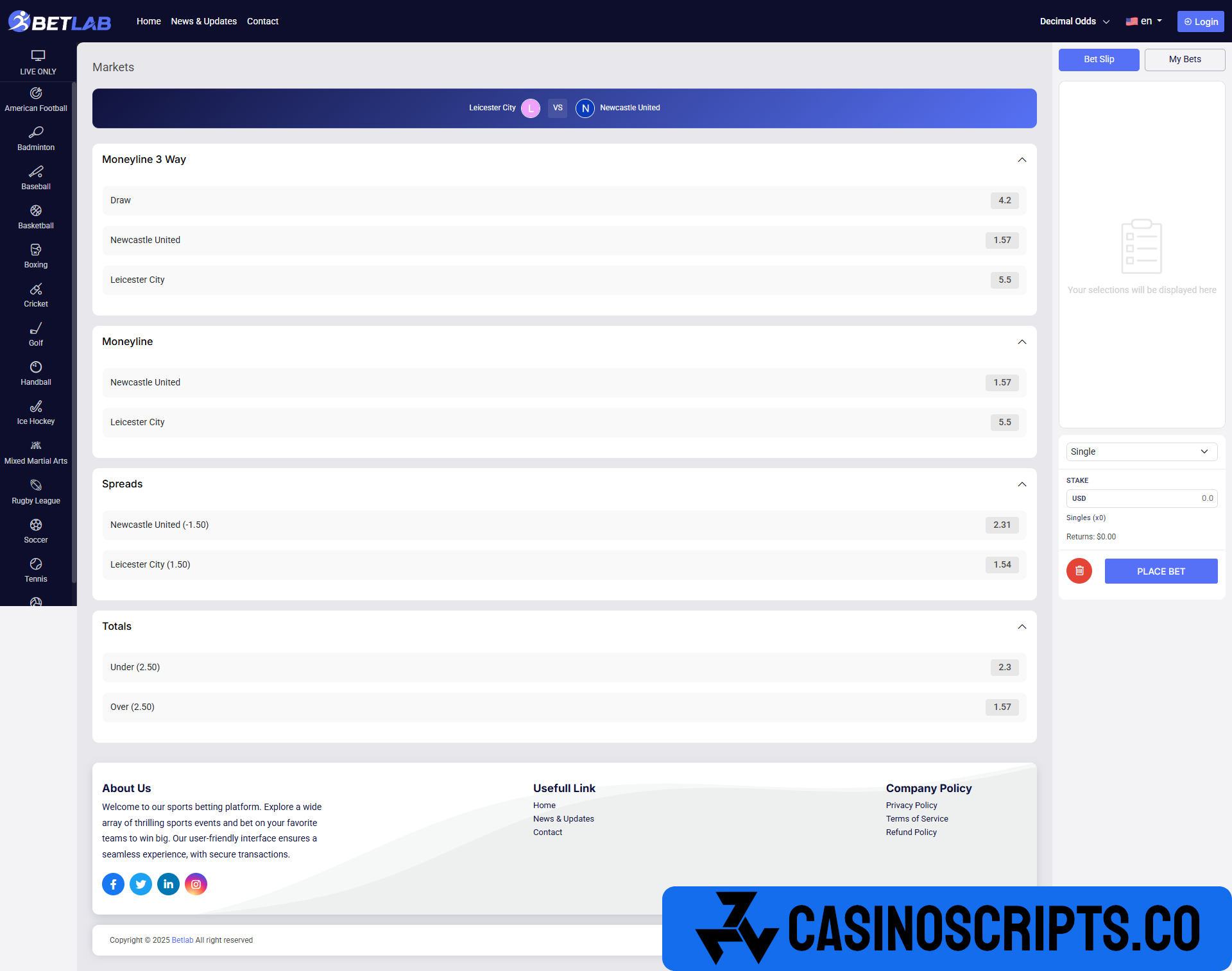
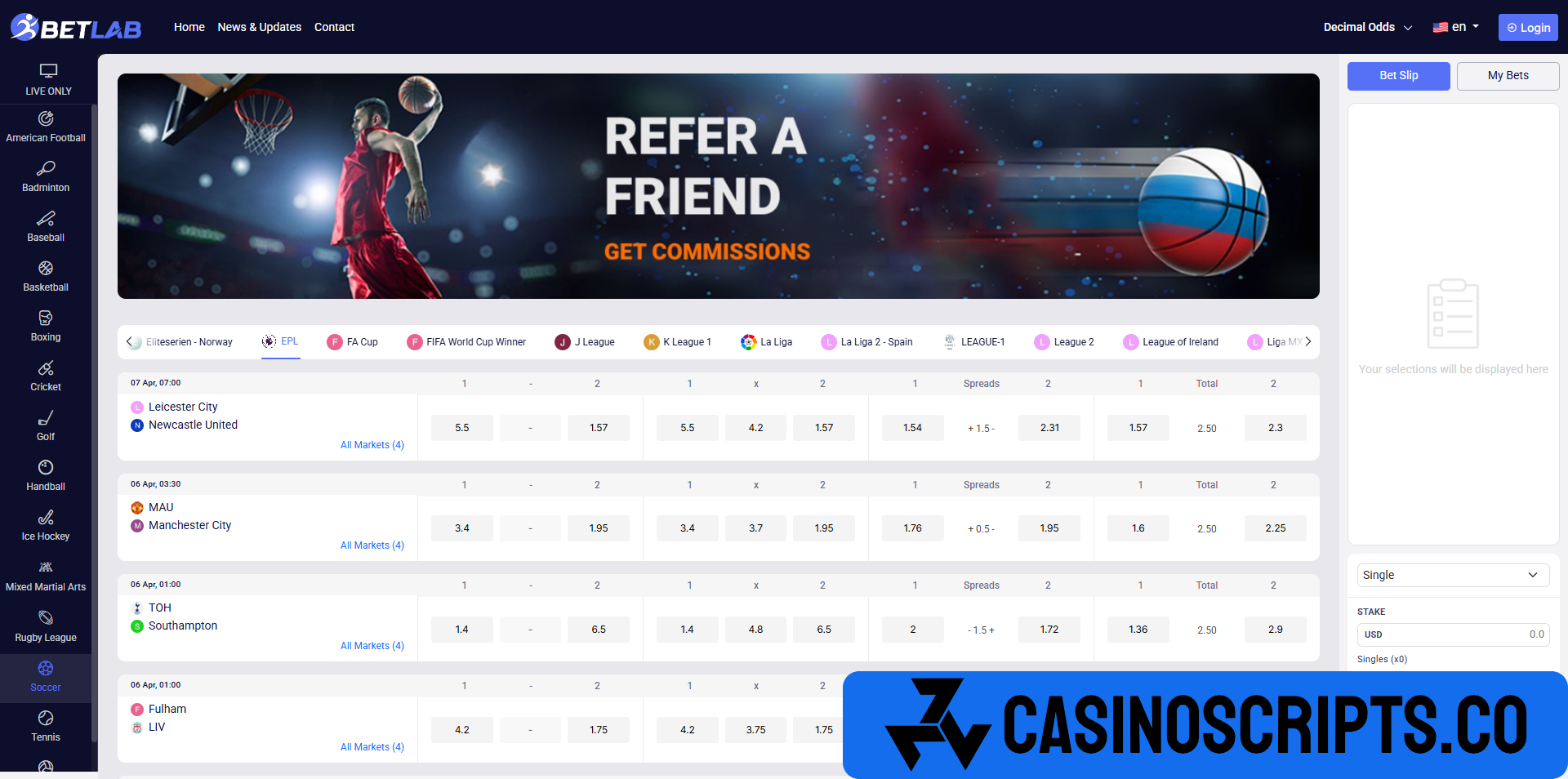
BetLab is a premium sports betting solution built on the PHP Laravel framework, designed for entrepreneurs looking to launch their own betting platforms. It offers a comprehensive system where users can place bets on live sports and games, either directly or through referrals. The admin panel provides full control over users, game management, live betting supervision, and winner selection. BetLab supports unlimited users, bets, and categories. This ready-made solution is easy to set up within minutes, and we provide expert support. Get your copy today and start your sports betting business effortlessly!
Highlighted Features
♦ Modern & Cross-Browser Compatibility:
Ensuring seamless performance across all major browsers.
♦ Powerful Admin Interface:
A robust and intuitive dashboard for effortless management.
♦ Clean & Modern User Interface:
Sleek, user-friendly design for a smooth experience.
♦ Flexible Ad Posting:
Multiple size options to cater to different needs.
♦ Dynamic & Simple Functionality:
Smart, efficient, and easy to use.
♦ Comprehensive Documentation & GDPR Compliance:
Clear guidance and strong data protection.
♦ Regular Updates:
Continuous improvements and new features.
♦ Premium & Quick Support:
Reliable assistance whenever you need it.
What's New in Version 4.0
Released
No changelog available for this version.
You may only provide a review once you have downloaded the file.
There are no reviews to display.