




Skip to content
View in the app

A better way to browse. Learn more.

CasinoScripts.co

A full-screen app on your home screen with push notifications, badges and more.

To install this app on iOS and iPadOS
  1. Tap the Share icon in Safari
  2. Scroll the menu and tap Add to Home Screen.
  3. Tap Add in the top-right corner.
To install this app on Android
  1. Tap the 3-dot menu (⋮) in the top-right corner of the browser.
  2. Tap Add to Home screen or Install app.
  3. Confirm by tapping Install.

Shuffle | Premium Casino Script + Installation + Slots & Live Games API

(0 reviews)
$499
About the Shuffle | Premium Casino Script

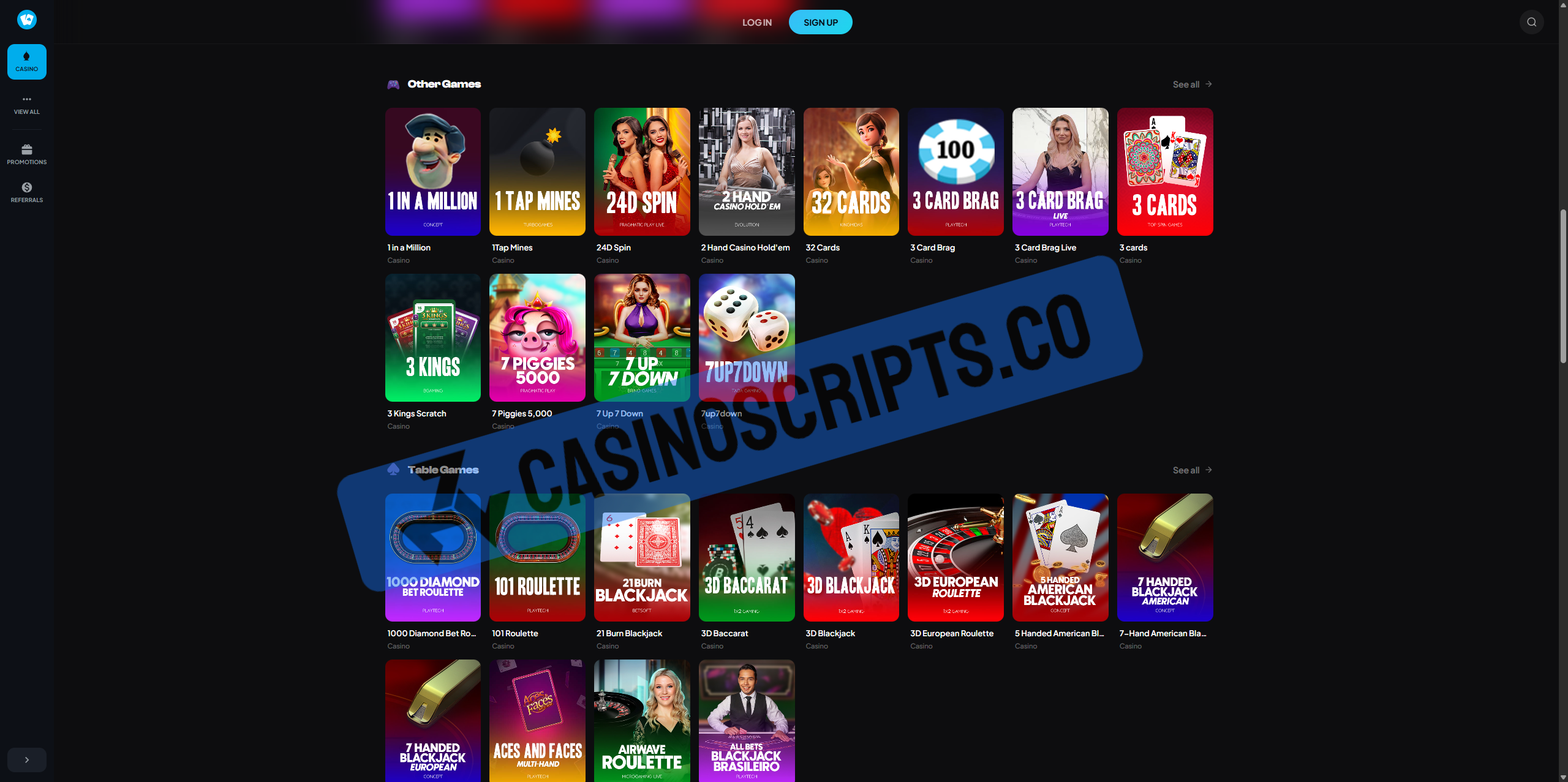
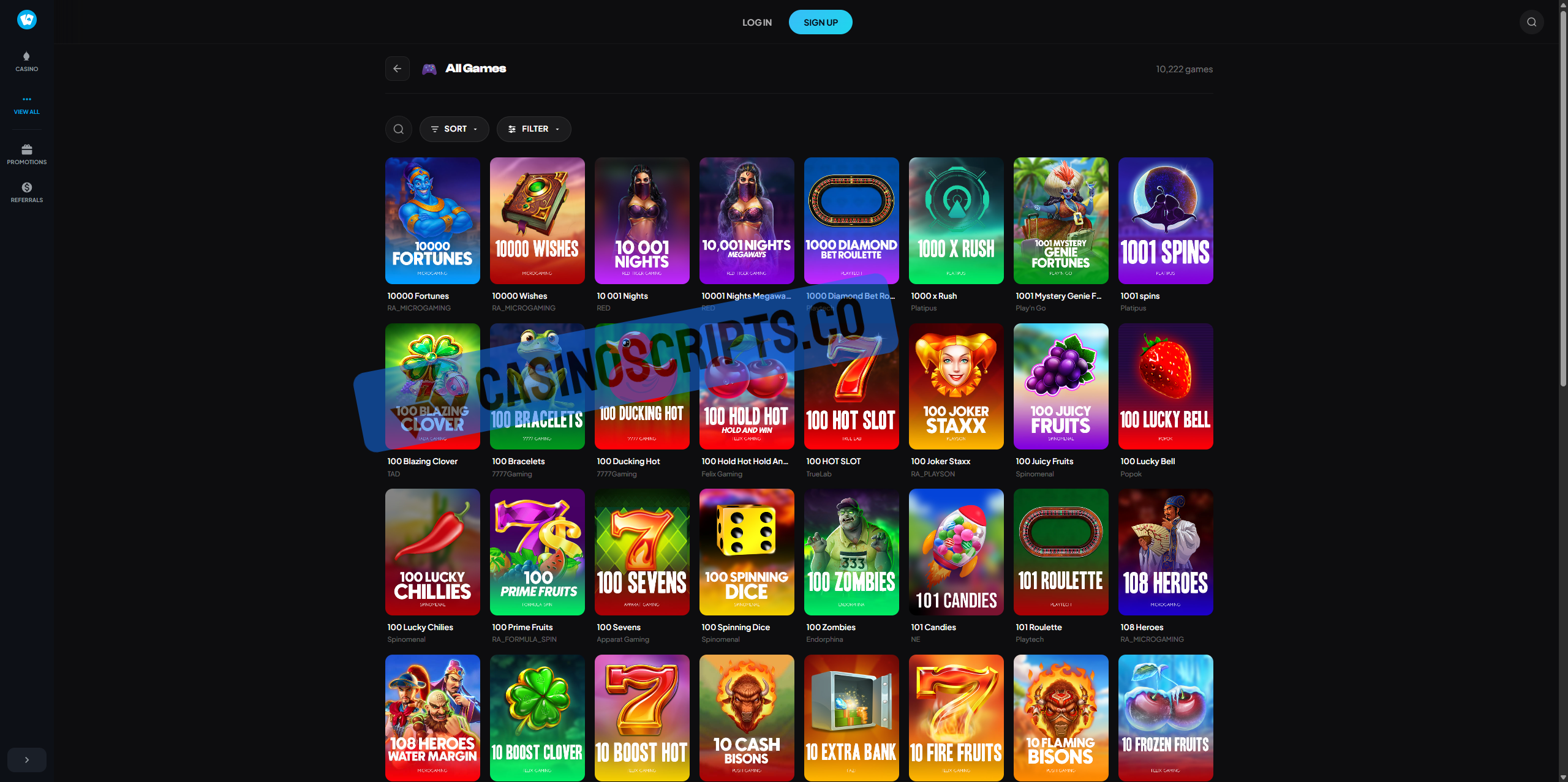
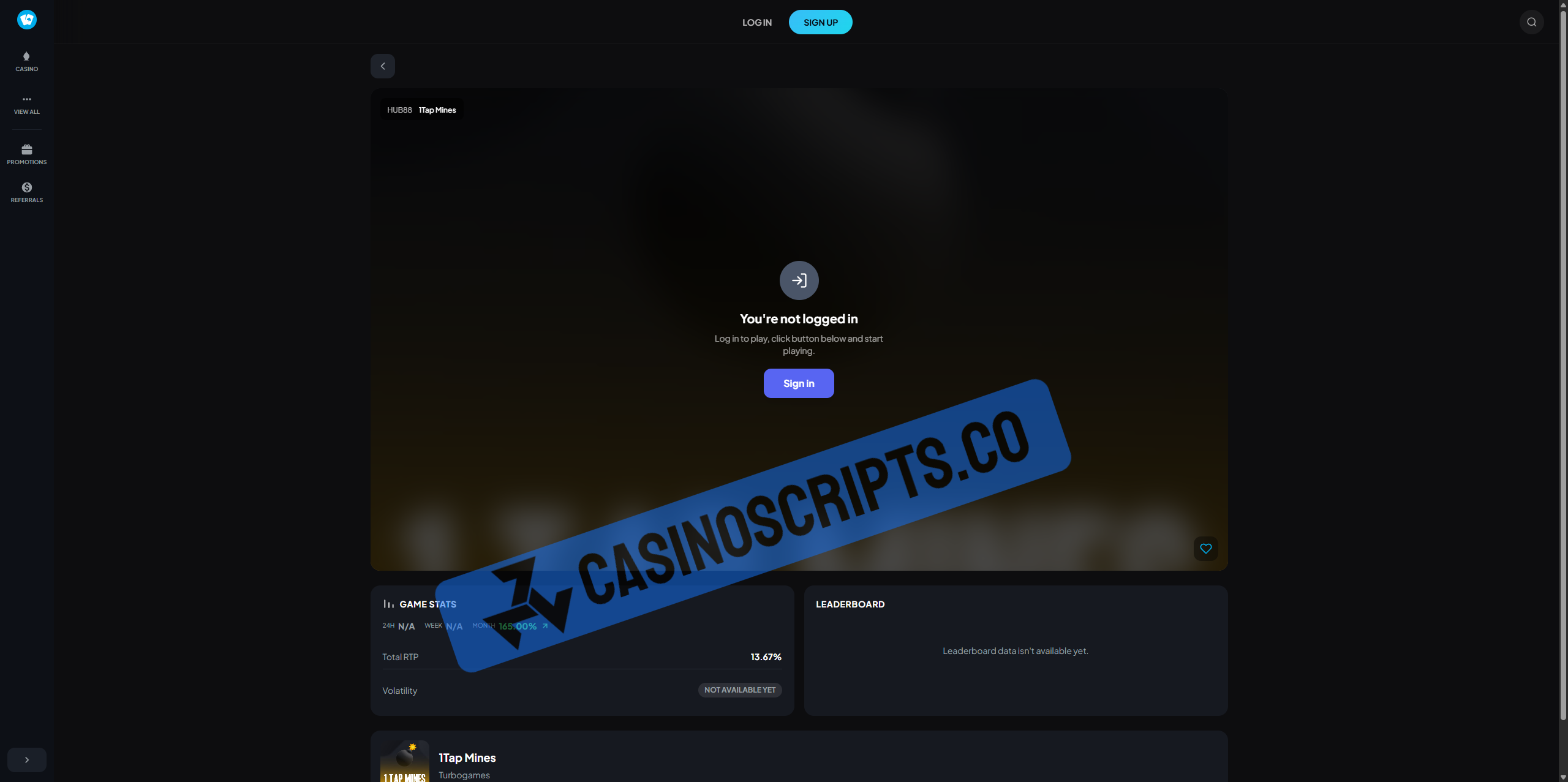
Shuffle is a premium, ready-to-launch casino platform designed for performance, scalability, and a modern user experience. Built with clean architecture and full customization in mind, it provides everything needed to deploy a professional online casino with minimal setup.

More information Here: https://www.casinoscripts.co/files/file/17-shuffle-premium-casino-script-installation-slots-live-games-api/
What's Included
  • Complete source code (Frontend + Backend)

  • Database schema and setup scripts

  • Complete Documentation

  • Admin dashboard for platform management

  • User authentication

  • All Original game fully functional

  • Slots + Live Games API for Free (NO GGR Share)

  • Payment gateway

  • Setup guide + Installer

  • Multilingual

Product Reviews

There are no reviews to display.

Account

Navigation

Search

Search

Configure browser push notifications

Chrome (Android)
  1. Tap the lock icon next to the address bar.
  2. Tap Permissions → Notifications.
  3. Adjust your preference.
Chrome (Desktop)
  1. Click the padlock icon in the address bar.
  2. Select Site settings.
  3. Find Notifications and adjust your preference.